
Hidden app · Spy app · Android monitoring
Is AR-Tracker a Hidden App or a Spy App? The Honest Answer
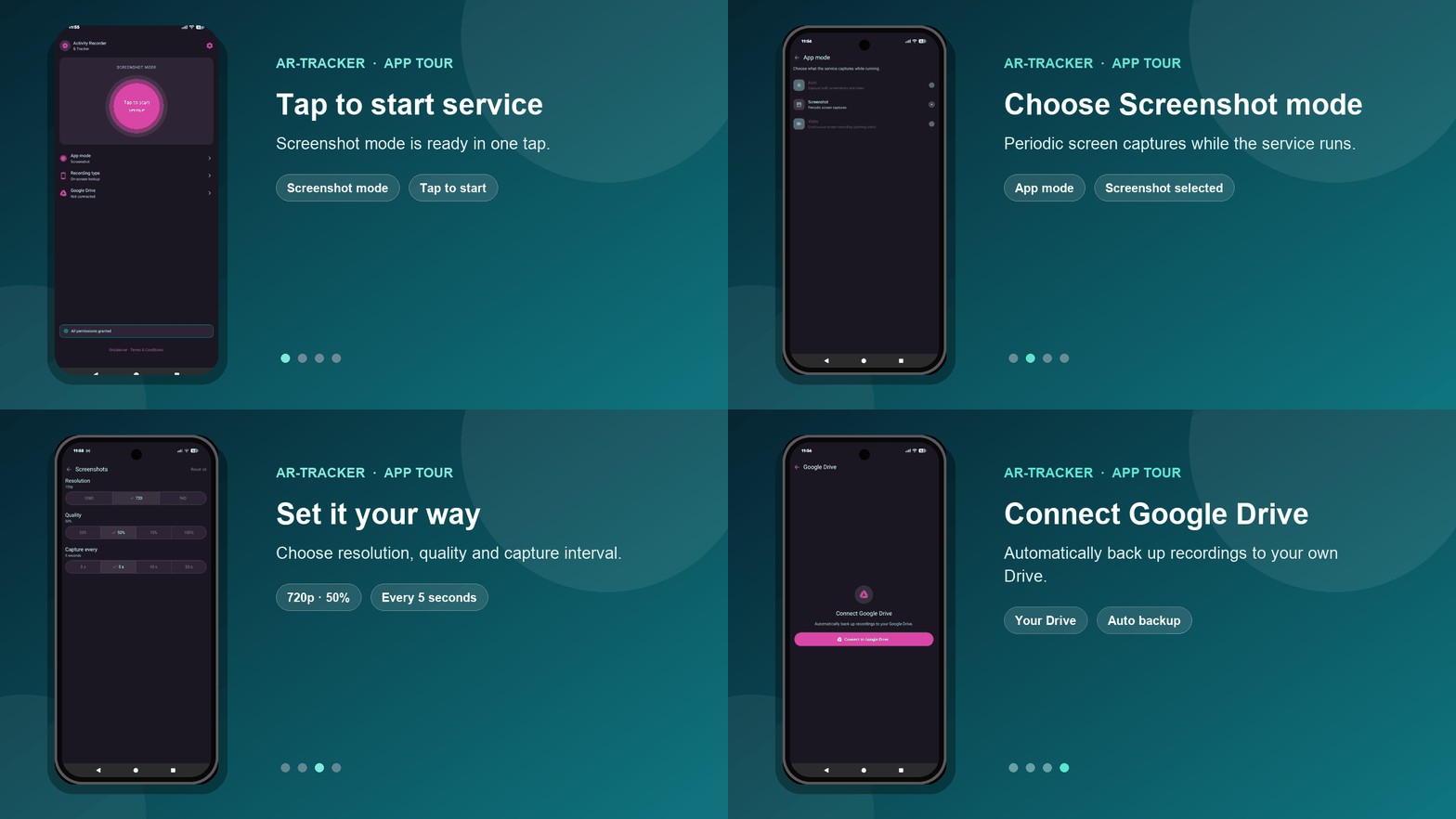
People search for a hidden app, a spy app or an invisible monitoring app because they want to know what is really happening on a phone. So let us answer the question directly.
The short answer
Yes — in the way most people mean it. After setup, Activity Recorder & Tracker can hide its icon, run silently in the background, restart with the phone and take screenshots without a shutter sound or a gallery copy. That is why people call it a hidden spy app.
We prefer a more precise name: a discreet screenshot monitoring app for your own Android device, and for parents or legal guardians supervising a minor child's family phone.
Hidden app, spy app or parental control app — what is the difference?
These three searches usually describe the same need, but the words mean slightly different things:
- Hidden app: an app that does not show a normal launcher icon and works quietly in the background.
- Spy app: a popular search term for a phone monitoring app that records activity for another person to review.
- Parental control app: monitoring used by a parent or legal guardian to supervise a minor child's device.
- Hidden tracker app: often searched by people who expect GPS tracking. AR-Tracker is different — it focuses on screenshots, not location.
AR-Tracker sits in the middle: it has the discreet background behaviour people look for in a hidden Android spy app, with a clear lawful purpose — seeing the screen of a device you own or are responsible for.
What makes AR-Tracker a discreet monitoring app?
- Hidden icon: after installation, the app removes its icon from the normal app list and home screen.
- Silent screenshots: captures are taken in the background, without a shutter sound, flash or visible alert.
- Nothing in the gallery: screenshots are not saved into the phone's standard photo gallery.
- Automatic restart: the app is designed to start again when the phone reboots.
- Your Google Drive: screenshots sync to your own Drive, so you review them from your phone or computer.
- Selected apps only: focus on the apps that matter, such as social media, video apps, chat apps or the browser.
One honest limit: no developer can promise that any app is undetectable on every Android phone. Android versions, device settings and security tools can behave differently. Follow the installation guide for your device.
Why do parents look for a hidden app to monitor a child's phone?
Most parents are not trying to read every message for fun. They are worried. A child who knows every check is coming can delete a chat, close an app or simply behave differently while a parent is watching. When the concern is dangerous contacts, bullying, inappropriate content or pressure from strangers, a parent may need to see normal daily screen activity — not a cleaned-up version of it.
That is the main reason AR-Tracker was built: to help a parent see what a child actually sees, early enough to start a calm conversation and act if something is wrong.
Our recommendation is still age-appropriate honesty. Many families explain the family safety rules and tell the child that the phone will be checked. How much you explain, and when, depends on your child's age, the risk you are facing and the law where you live.
What can you actually see with a screenshot spy app?
A screenshot shows the real screen at that moment. That makes it easier to understand context than a simple list of app names. With AR-Tracker you can review:
- Which apps were opened and what was on the screen.
- Videos, posts, pages and images your child was viewing.
- Visible conversations and contacts shown inside monitored apps.
- Searches and websites visible in the browser at capture time.
- A visual timeline you can open later from your Google Drive.
You choose the screenshot interval and quality. A shorter interval gives more detail; a longer interval saves battery and storage.
Why choose AR-Tracker over a typical phone spy app?
- You see evidence, not guesses. Screenshots show what was really on the screen.
- No monthly subscription. Many spy apps charge every month. AR-Tracker is $12 one-time per device.
- Your files stay in your cloud. Screenshots go to your Google Drive. We do not host your family's recordings.
- Lightweight by design. No GPS tracking and no bloated feature list — just focused screen monitoring.
- Review from anywhere. Open your Drive folder on your own phone or computer when it suits you.
How a hidden monitoring app works on an Android phone
- Buy your activation code. One code activates one Android device for $12.
- Install and set up the app on the phone you own or supervise, following the step-by-step guide.
- Connect your Google Drive and choose the screenshot interval, quality and apps to monitor.
- Review the screenshots from your own device whenever you need to check in.
Setup takes physical access to the phone. AR-Tracker is for Android 8.0 and above, not iPhone.
The legal line we will not cross
A discreet app is a powerful tool, so the rules matter. AR-Tracker is sold for:
- Your own phone or other devices you own.
- A minor child's phone, when you are the parent or legal guardian and you provide or manage that device.
- Company devices only where employees have been informed and applicable law and workplace policies allow it.
It is not sold for secretly monitoring a partner, spouse, employee or any other adult without their knowledge and consent. A disclaimer cannot transfer away the law: if you install monitoring software on someone else's device without legal authority, you can face serious legal consequences. Read our legal authority and consent terms before you buy.
Frequently asked questions
Is there a truly hidden spy app for Android?
What is the best hidden spy app for parents who want screenshots, not GPS?
Can I see what my child is doing on their phone with screenshots?
Will the screenshots appear in the phone's photo gallery?
Is it legal to use a hidden monitoring app on my child's phone?
Can I use AR-Tracker on my partner's or an employee's phone?
See the screen. Know what is really happening.
Discreet Android screenshots in your own Google Drive. One payment of $12 — no subscription.
Get activation code — $12New to this? Start with our parental control guide or read why we built AR-Tracker.